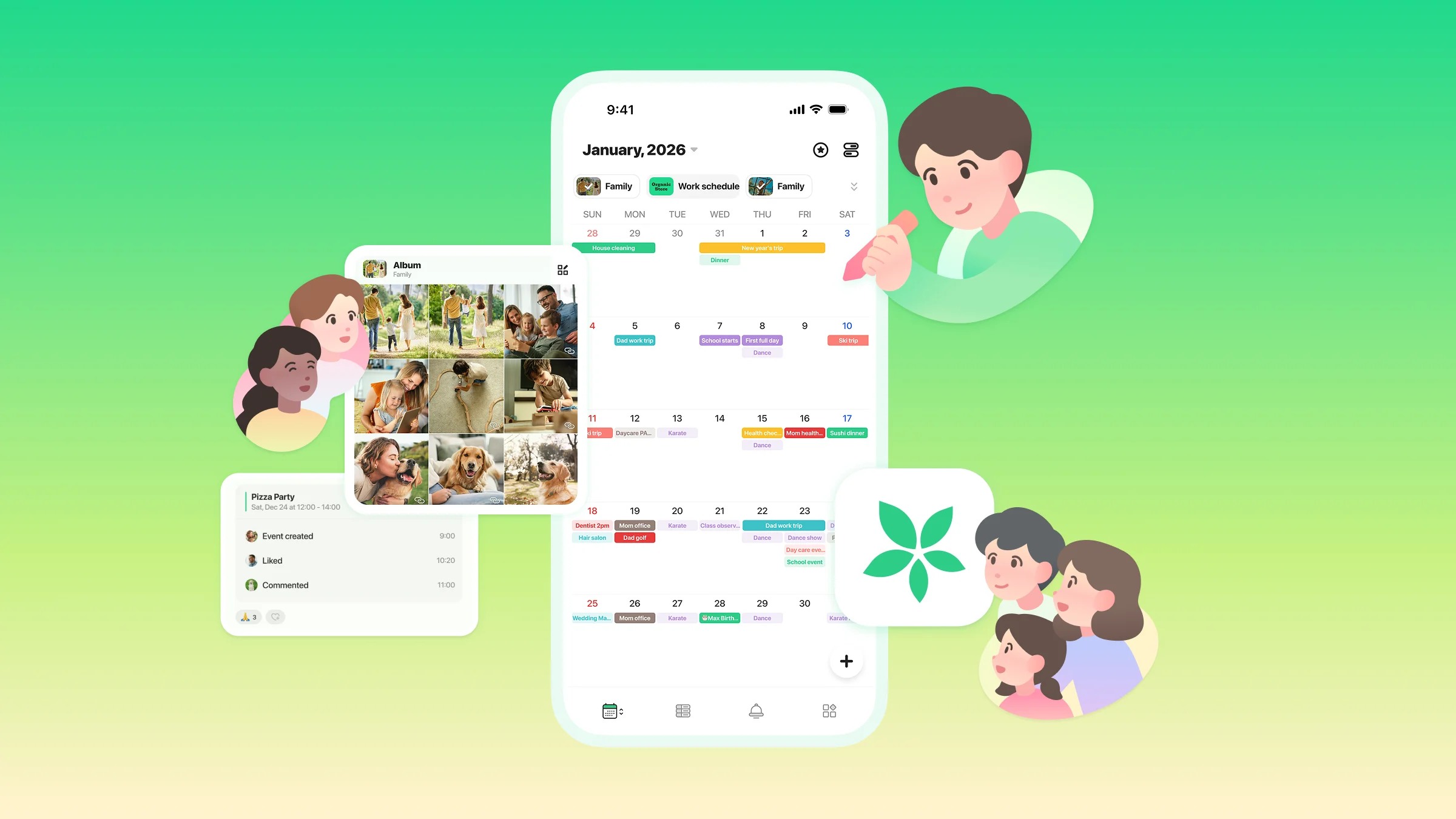
TimeTree is getting a refresh: Shape your time, your way
Thank you for always using TimeTree. We have an important announcement to share.
To help managing your daily schedule easier and more comfortable , we're redesigning the TimeTree app at the end of January. Your existing events and calendars will remain unchanged; the app will simply become more efficient.
Why is TimeTree changing?
Until now, TimeTree has grown with you as an app that helps people share schedules with family and friends or organize private plans. But today, many of us juggle multiple aspects of our lives: family, work, hobbies, studies, and more.
This renewal aims to help you see and organize your time across multiple calendars and move beyond simply “adding and sharing events.” We hope TimeTree becomes a place that inspires how you want to spend your time ahead.
What’s new in the updated TimeTree
A simpler structure with four tabs at the bottom
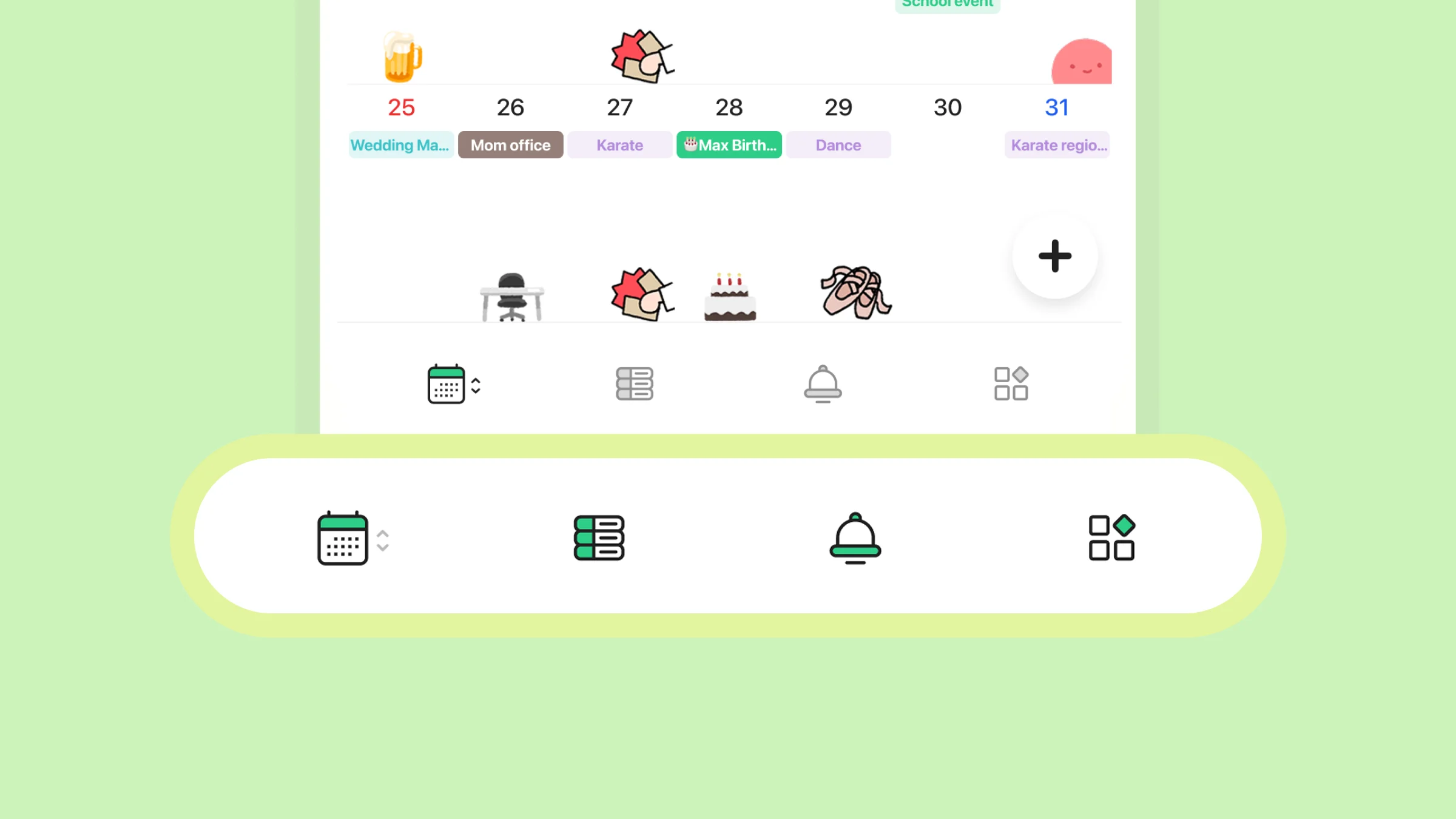
We’ve removed the “global menu” from the top left of the screen and redesigned the layout so that you can now navigate everything from the four tabs at the bottom of the app.
1. Home Calendar: View multiple calendars with filters 2. Calendar List: Jump to individual calendars 3. Activity: See what’s new across your calendars 4. More: Manage app settings, notifications, and more
Everyday actions are now smoother
Creating and checking your schedule can now be done with fewer taps. You can also see where you are in the app at a glance and smoothly switch between “view” and “share”.
Feature Highlights
Home Calendar
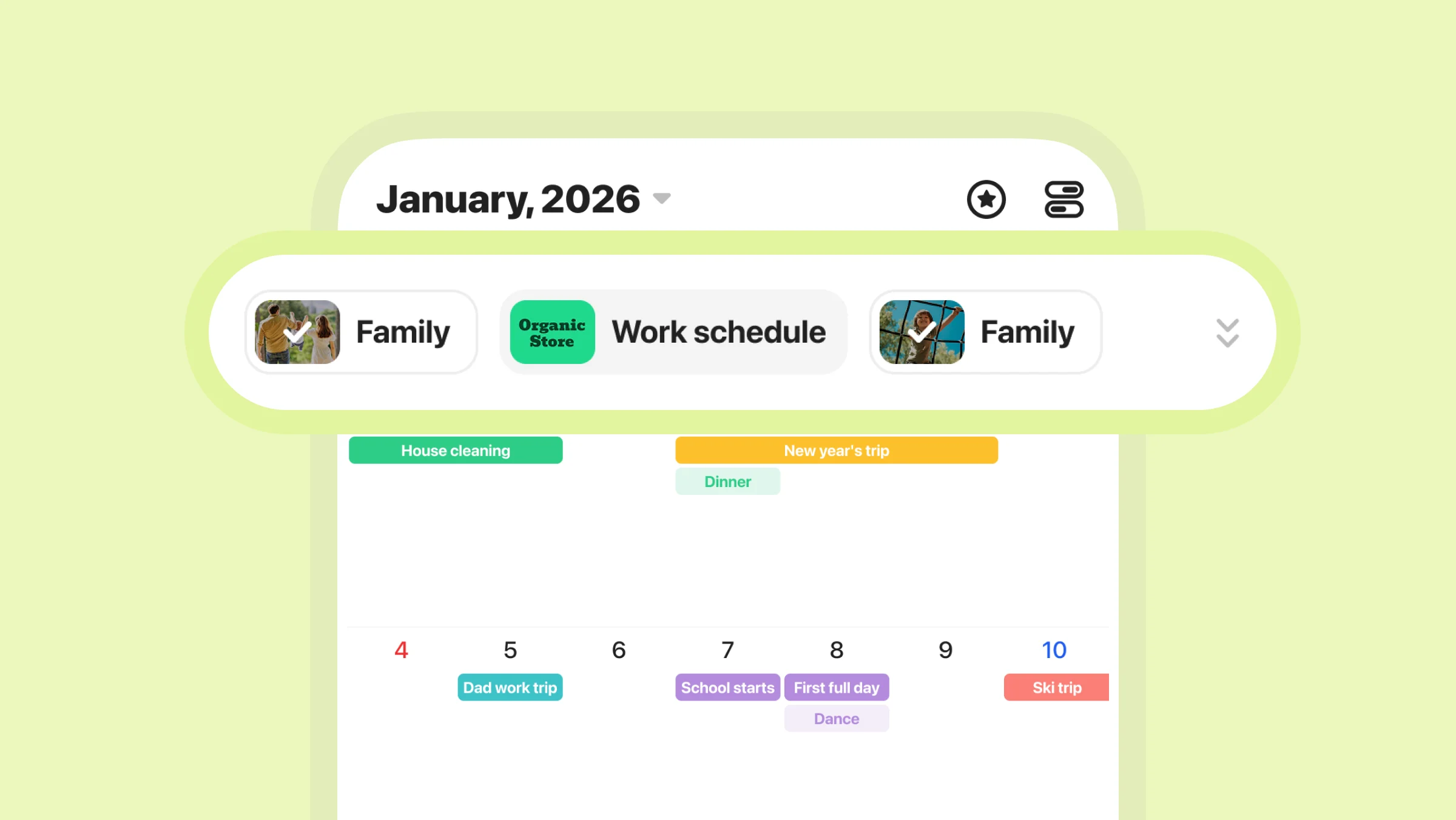
What was previously known as “All Calendars” is now reborn as the “Home Calendar.” This screen lets you see events from multiple calendars all in one place, including external and Public Calendars.
- View all events across calendars - Add plans to each calendar - Choose which calendars (filters) to display - Reorder the filters
Calendar List
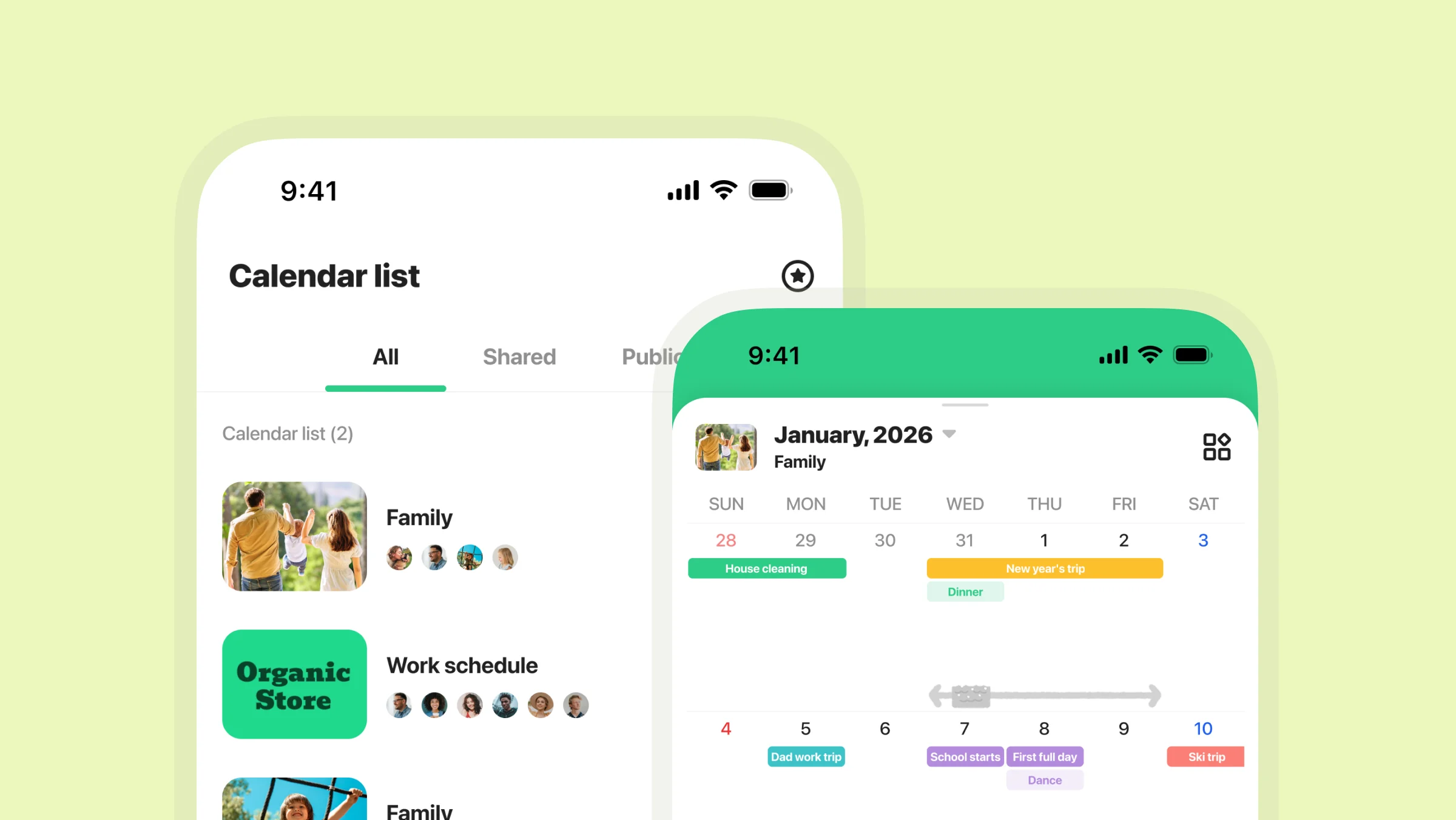
Access each calendar via the list icon in the bottom left tab. You can also view photos from shared albums or memos saved to each calendar here.
- View events from shared/Public Calendars - Access albums and memos (shared calendars) - Customize calendar color headers - Add/edit events - Manage Public Calendars (if you're an admin)
Activity
When plans, memos, or photos are added to shared calendars, the changes will appear in “Activity.” Use this tab to check the latest changes and even react to updates with emojis.
More
Check or update your TimeTree settings from the “More” tab. You can manage what appears on your calendar, account settings, notifications, and more.
Frequently Asked Questions
Q. When will the new design be available? A. The new version is scheduled for release in late January 2026.
Q. Are any features being removed? A. No. All current features as of December 2025 will remain available.
Q. I can’t find my memos anymore. A. You can access memos from each individual calendar view.
Q. Will there be differences between the free and paid plans? A. No feature changes are being made to the plans.
Q. Are the controls significantly different? A. Some button placements and designs have changed, but basic usage remains the same.
Q. What should I do if I get stuck? A. Check the Help Pages or contact us via the in-app Support section.