
Adding an On/Off Setting for AI Suggestions
To make TimeTree even more convenient for you, we will gradually roll out new features that utilize AI to provide personalized event suggestions and usage tips. Note: No humans will individually review your information for these suggestions, and your data will not be used to train generative AI models. Ahead of these feature releases, we are adding a setting that allows you to manage whether or not to receive AI suggestions. This setting is scheduled to be available around early August 2026, and you can switch it on or off at any time.
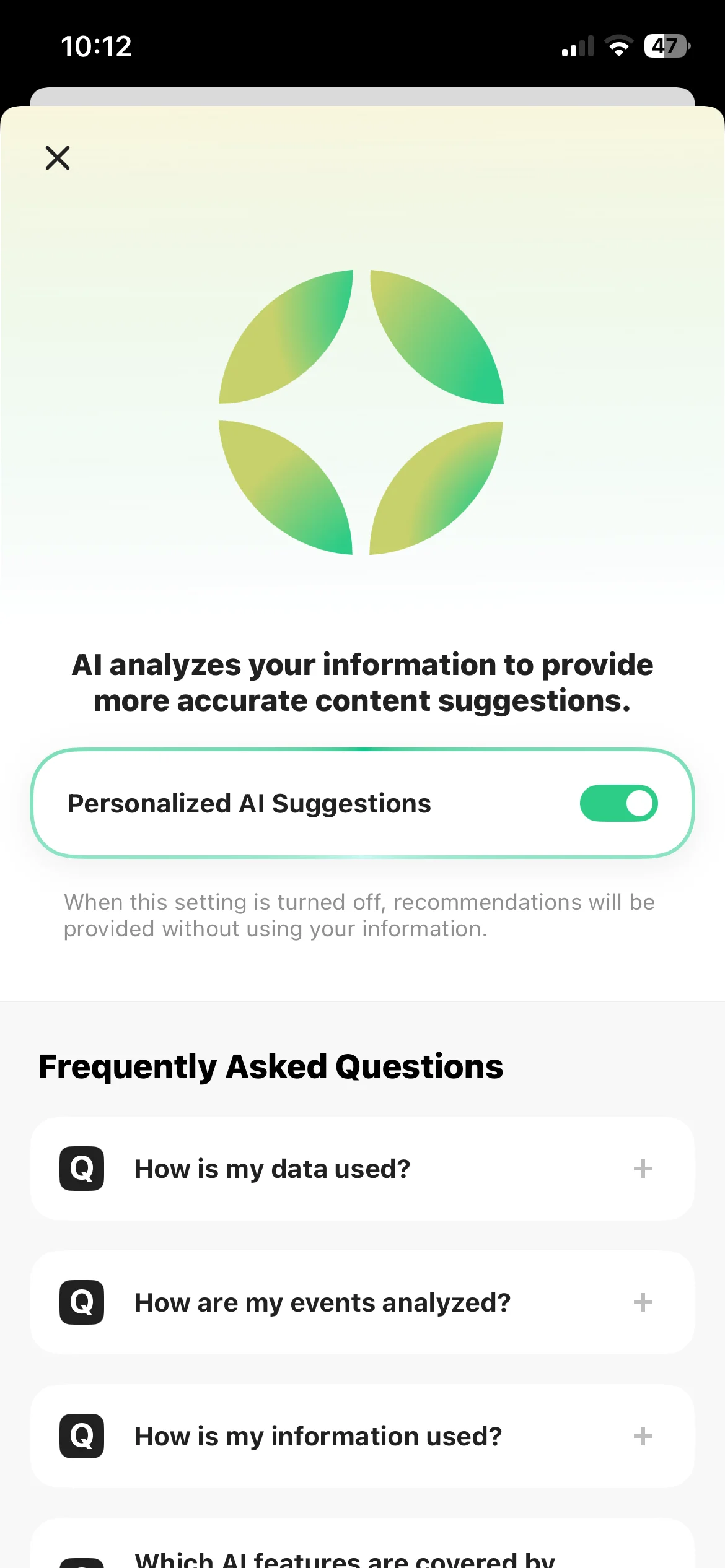
About the New Setting
When “Personalized AI Suggestions” is turned ON, the AI analyzes your usage data—such as events, calendars, and profile information accessible to you—to offer tailored recommendations. When turned OFF, the AI will not use this information and will provide general suggestions instead. Eligible AI features, such as task suggestions, will be introduced sequentially, and you can update this setting in advance.
For Your Peace of Mind
To ensure you can use this feature with confidence, here’s how your information is handled:
No human review: all processing and analysis is done automatically by AI. (Because it’s AI-driven, suggestions may occasionally be inaccurate.)
No AI training: your information is never used to train generative AI models, or for any purpose beyond providing TimeTree’s features.
Handled responsibly: all data is managed in accordance with our Privacy Policy.
How to Turn Off AI Features
Tap the icon with four squares at the bottom right of the screen menu.
Tap “TimeTree Settings”.
Under “AI Support”, select “About suggestions using AI”.
Toggle the “Personalized AI Suggestions” switch to OFF.
Contact Us
If you have any questions or feedback, please contact us via our Contact Form. Thank you for your continued support of TimeTree.