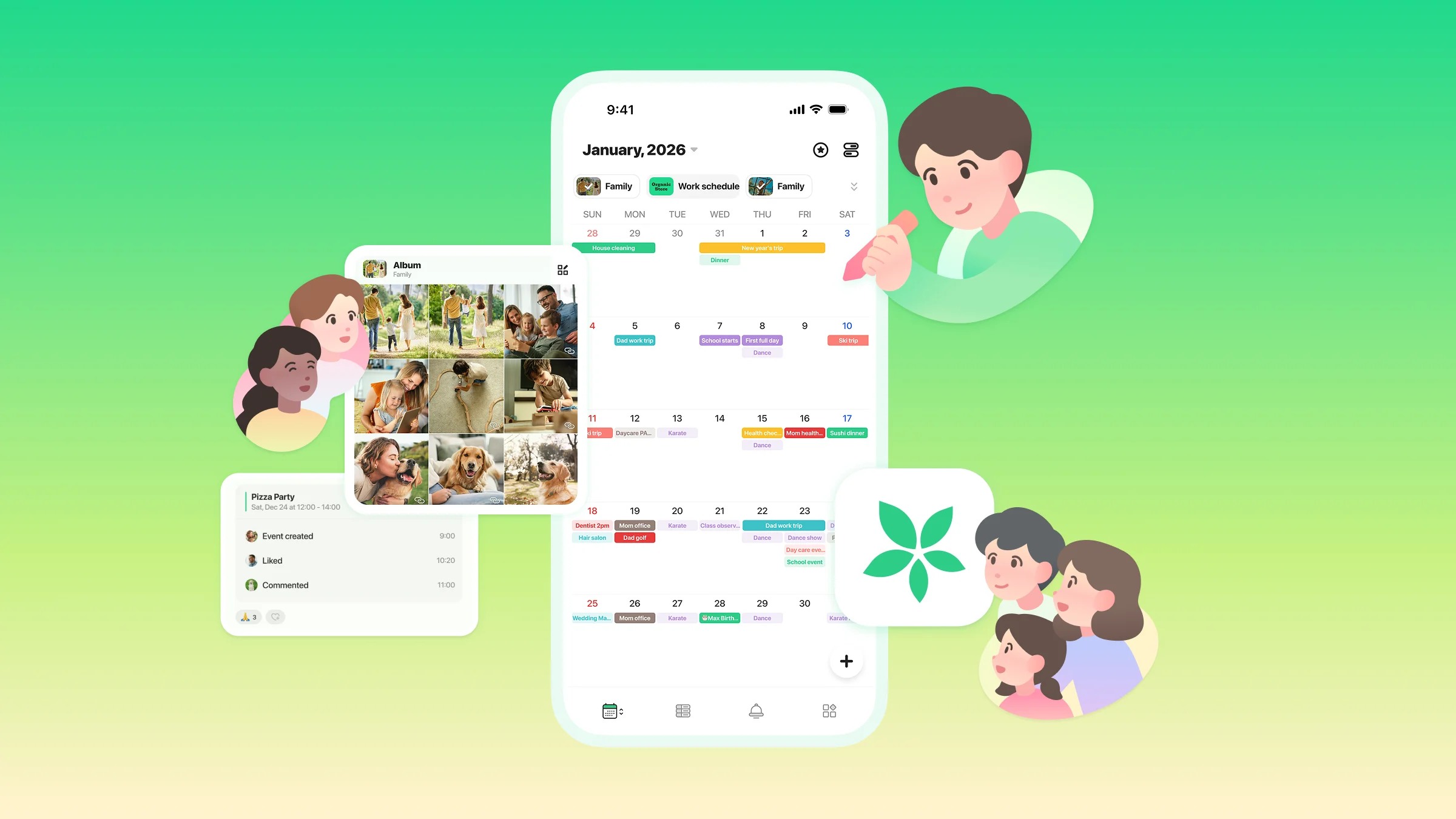
Switching Calendars Is Now Smoother Than Ever
Introducing the Calendar List & Stickers
Thank you for using TimeTree.
In the second update of our app renewal announcements, we’d like to introduce the Calendar List and Stickers features.
Access the Calendar List from the Bottom-Left Tab
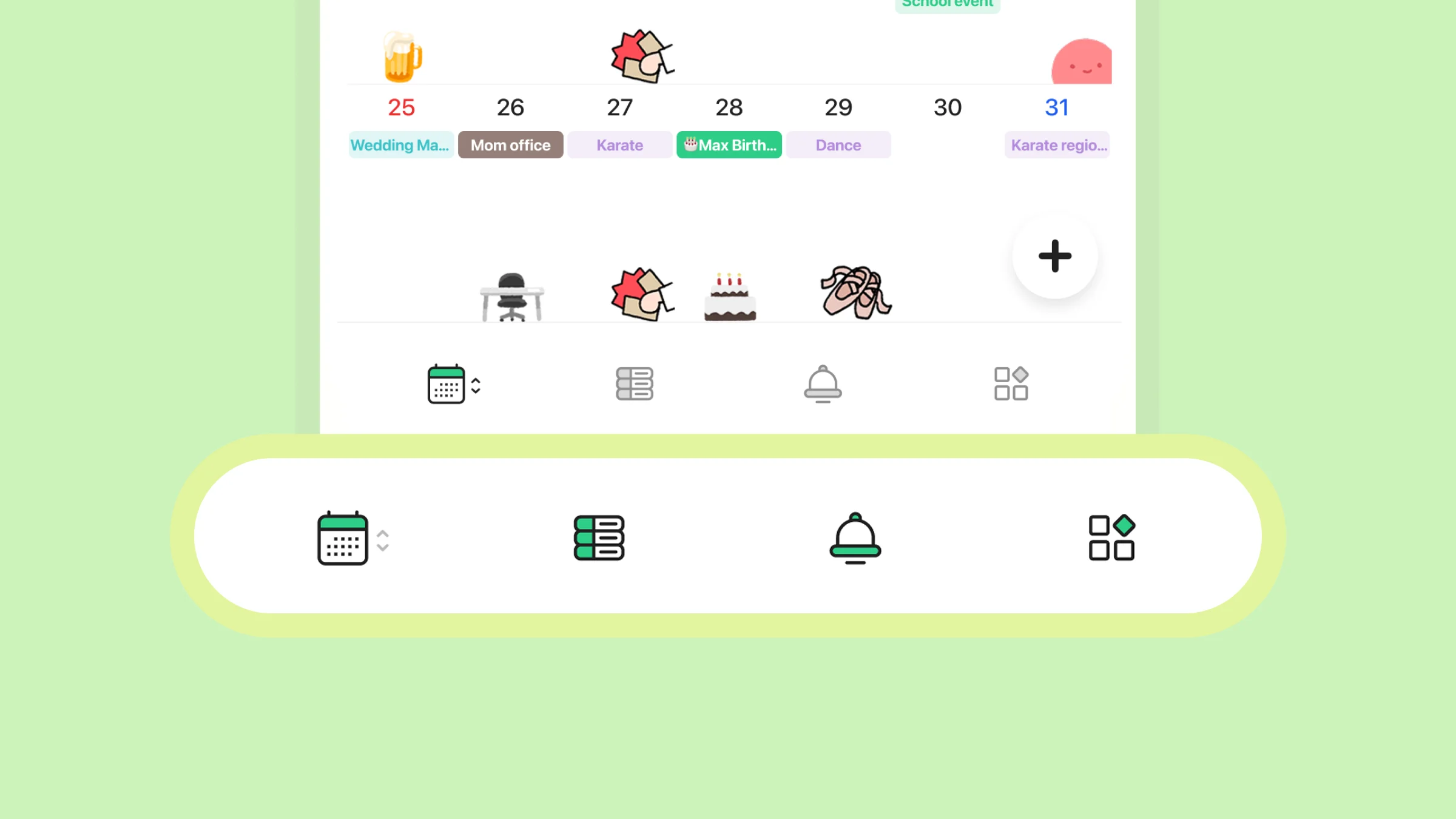
As part of this update, features from the top-left menu have been moved to the bottom menu.
Notes and Album Photos Are Available in Each Calendar
Notes and album photos added to each calendar can now be viewed directly from the corresponding calendar screen.
Stickers Are Still Available
You can still use stickers to add a personal touch to your events and calendars.
On days when you feel “this event is important,” we encourage you to continue using stickers to highlight it.
Set Theme Colors for Each Shared Calendar
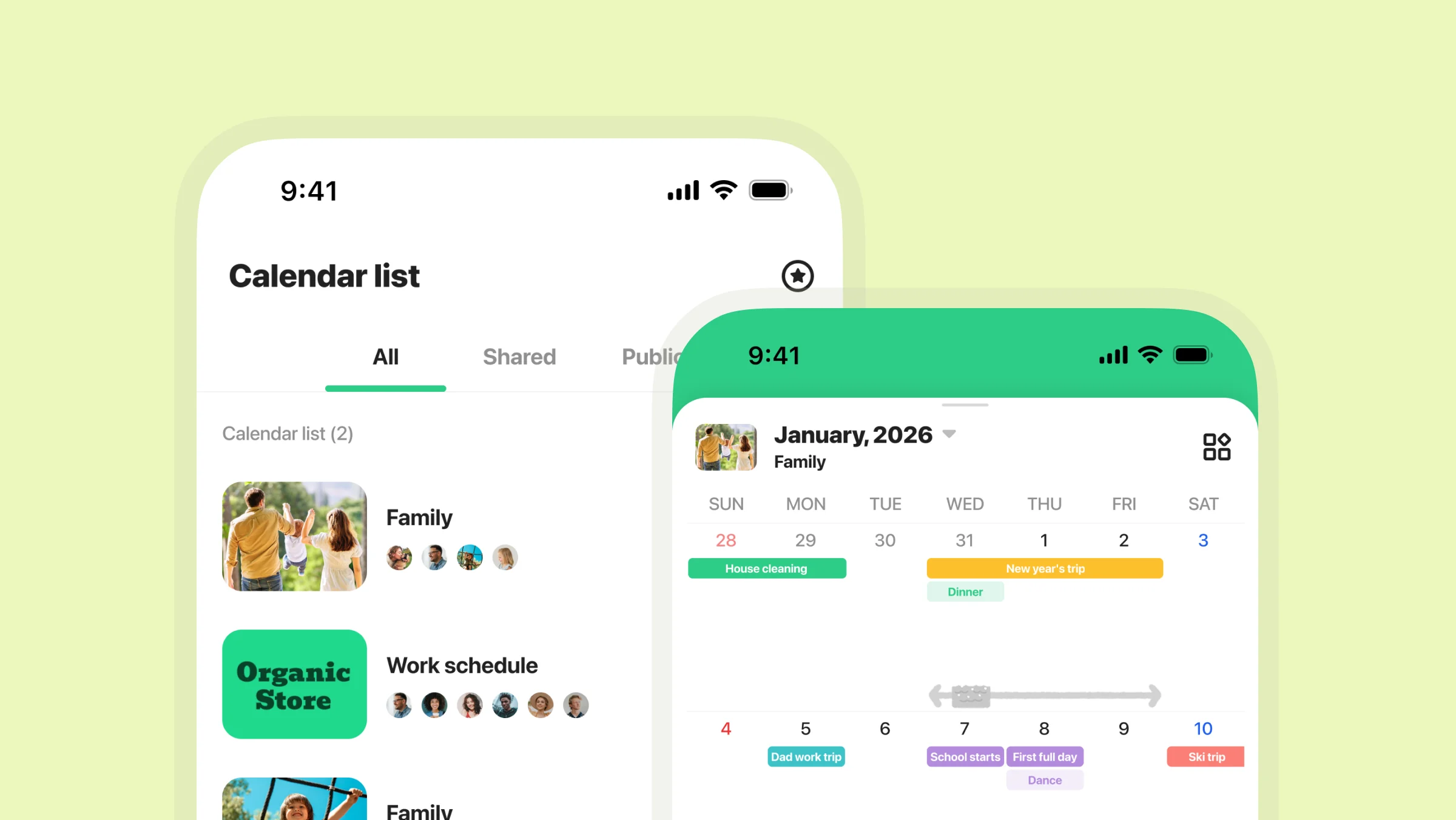
To make it easier to see which calendar you’re currently viewing, you can now set a theme color for each shared calendar and Public Calendar screen.
(Only administrators can change colors for Public Calendars).
Choose colors that match each calendar’s purpose and make them your own!
Other Things You Can Do in the Calendar List
Access memos and albums (shared calendars)
Check the last access time of participating members
View, create, and edit events added in each calendar
Rename calendars and adjust notification settings
Create and manage events in Public Calendars (for administrators)
Toward the App Renewal
Over the course of two announcements, we’ve introduced the new features and screens coming to TimeTree. Going forward, TimeTree will continue to evolve beyond simply “adding” and “viewing” schedules, aiming to help you discover how you want to spend your time.
We hope the renewed TimeTree fits naturally into your everyday life. If you have any questions or run into any issues, feel free to contact us anytime.
Thank you for continuing to use TimeTree.